
|
|


|
|
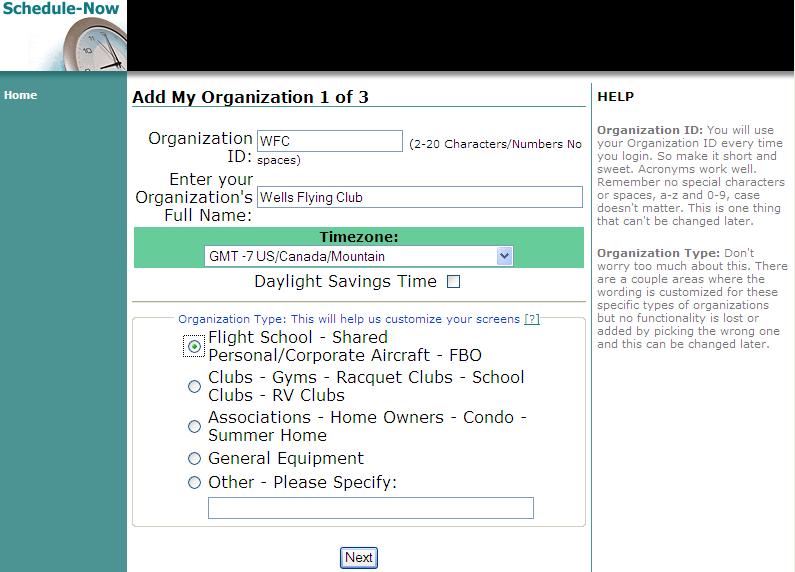
Getting StartedTo get started, click on the New Setup button on the top right and follow the 3 easy steps. 1) Create the Organization Name and ID.
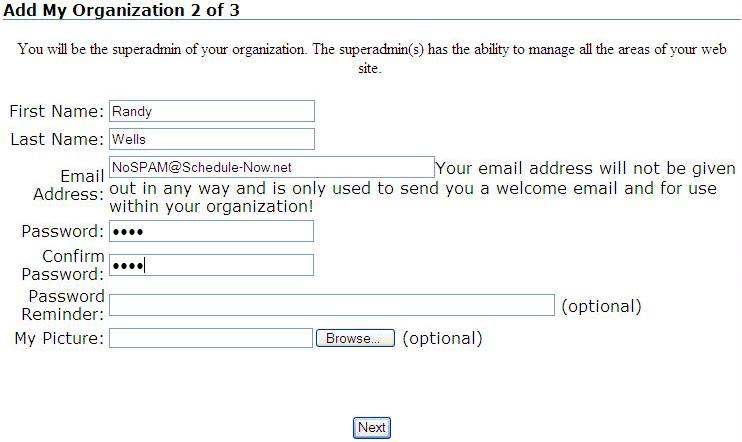
2) Next we set you up as the Administrator.
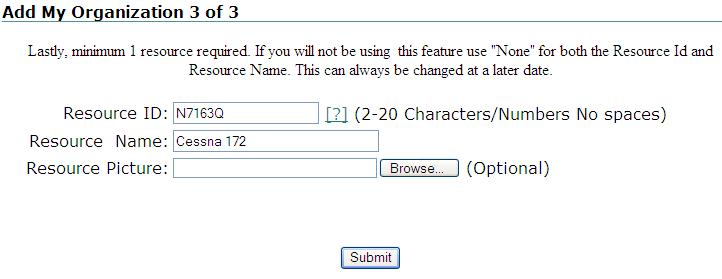
3) And the last step is to setup a resource.
We now have a fully functional Resource Scheduling Site. After you submit this last setup form, you are taken directly to the Login screen. Enter your password - check the Save My Information Box and start scheduling |
Remember there is a 30 day free trial. We don't request any payment information up front. You will get your first invoice 7 days before the end of your 30 days. If you find the service useful make the payment by the end of the 30 days, otherwise ignore the invoice and your login will simply get disabled. Use is unnlimited. Charges are $29.95 USD per month or $299.95 if the full year is paid up front. If you are an organization of 200 people, have 1000 items to schedule - again use is unlimited, only $29.95 USD per month. We only accept Paypal or a check at this time.
|




|
|